
02Runner-up
Pi 5 Bundle
- $250 cash
- Raspberry Pi 5
- Raspberry Pi Touch Display
- Raspberry Pi Zero 2W
- Raspberry Pi Camera Module
- Book of Making 2026
- Raspberry Pi Handbook 2026
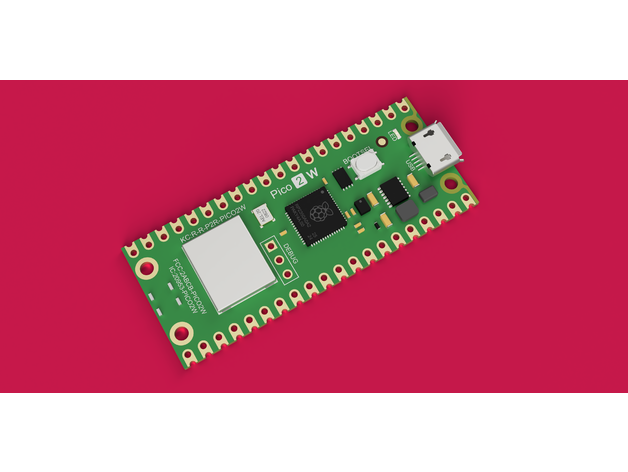
One tiny chip. Infinite printable builds. Design a case, enclosure, mount or gadget for Raspberry Pi Pico. Use the real hardware or just the CAD files to guide your design. Upload to Thingiverse and win hardware from Raspberry Pi themselves.
Raspberry Pi Pico starts at $4 and fits on a breadboard. You don't need to own one to enter: Raspberry Pi publishes official STEP/CAD files so you can design around the board dimensions. If you do grab one, we'd nudge you toward Pico 2 W for anything wireless.
Raspberry Pi's own intro to Pico 2 and the RP2350 SoC. Watch this before you start CAD. It'll save you arguing with pinout diagrams at 2am.
youtube.com/@raspberrypi · officialDesign and upload a printable Thing built around a Raspberry Pi Pico (any variant). You can use the actual hardware or design purely from the official CAD files. Cases, mounts, enclosures, functional tools, IoT gadgets, weather stations, home sensors, desk toys, robots, music makers, weird peripherals. Include STLs, a BOM, and assembly notes so the next maker can fork it. Tag your upload with #PicoBuilders so it appears in the challenge.
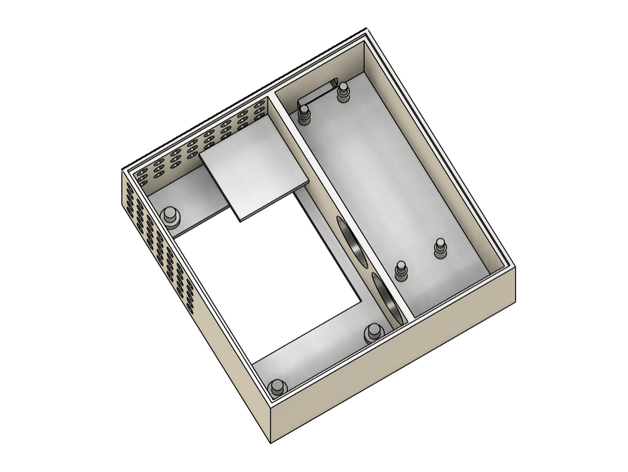
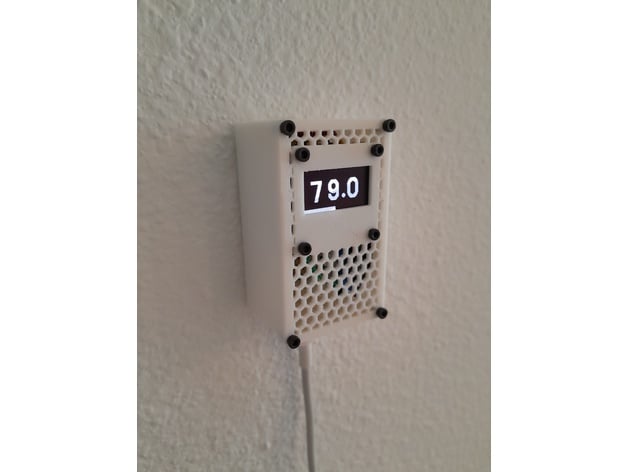
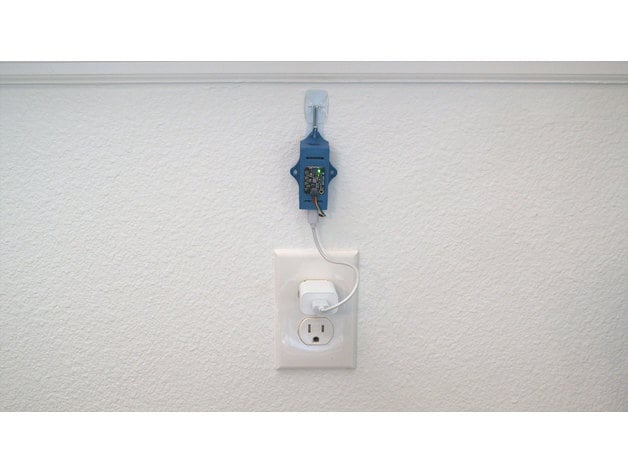
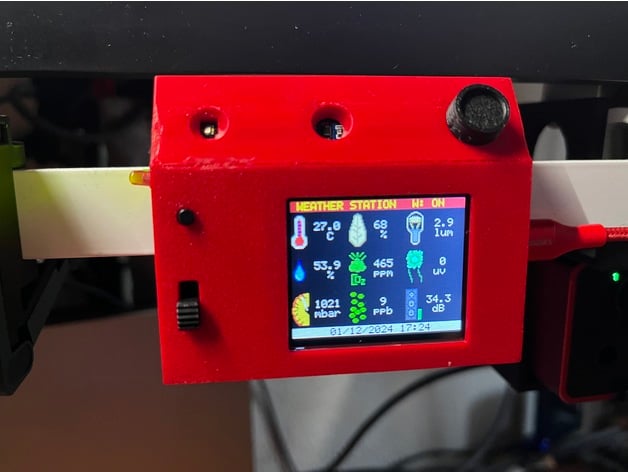
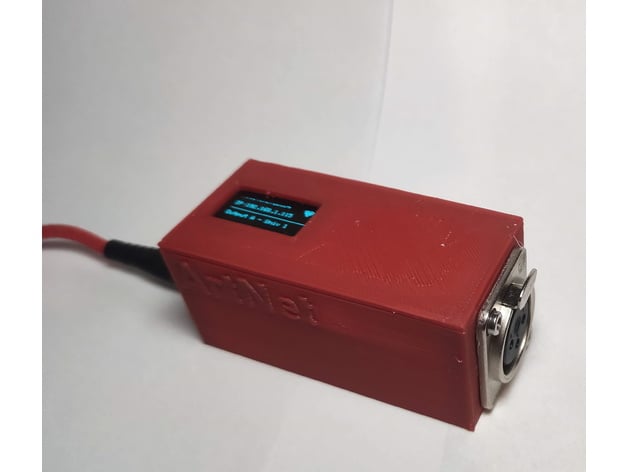
A sampler of real Pico builds uploaded to Thingiverse. Your entry doesn't have to look like this. It has to be yours.
#PicoBuildersEvery Thing tagged #PicoBuilders on Thingiverse appears here automatically. View all on Thingiverse
Tag your Thing with #PicoBuilders and it appears here automatically.
Upload a Thing to Thingiverse and tag it #PicoBuilders. It'll show up here automatically.
Any board in the family is fair game. Pico, Pico W, Pico 2, Pico 2 W. Headers optional.
Design, print, wire, photograph. Document the wiring and any firmware so makers can fork it.
Include STLs, BOM, code, wiring notes. You must tag your Thing with #PicoBuilders or it won't appear in the challenge.
Judged by a panel from Thingiverse and Raspberry Pi. Hardware, homepage features, blog coverage.
Hardware bundles direct from Raspberry Pi. Homepage features on Thingiverse. A slot in The Build newsletter (75K makers).
Ten more standout entries each receive a Raspberry Pi Pico kit, plus a feature in The Build newsletter.
All hardware provided by Raspberry Pi. Final specs may vary.
Rules, tags and inspiration hit Thingiverse and Raspberry Pi channels. Starter kits ship to prize winners.
Upload WIP posts, gather community feedback, iterate fast. Weekly highlight reels from the team.
Submission lock. STLs, BOM, firmware, photos. Make sure your Thing is tagged #PicoBuilders.
Panel review, winner announcement on the Raspberry Pi blog, Thingiverse homepage takeover.
A curated panel from Raspberry Pi and Thingiverse. Judged on originality, craft, documentation quality, and how hackable the Thing is.
Curator of the Pi community. Has seen every kind of Pico build there is and still gets excited about the weird ones.
Looking for Things that make the Thingiverse feed feel alive again. Bias toward weird, well‑documented and fork‑ready.
A rotating engineer from the silicon team at Raspberry Pi. Cares about clever firmware tricks and correct pinouts.
We're not interested in AI‑generated mesh dumps. We want the kind of Thing that takes a weekend, a bad cup of coffee, and at least one hot glue incident. The kind you remix, fork, break, and redesign in response to someone else's comment. The kind that makes the next maker go, "wait, that's possible?"
Thingiverse was built on human craft. This challenge is a vote for keeping it that way. No generated geometry. No plagiarised files. Just real designs, real builds, real makers.
The tools are simple. The community's waiting. Ship a Thing worth printing.
Any of them. Original Pico, Pico H, Pico W, Pico WH, Pico 2, Pico 2 W (with or without headers). If your design is built around one, it qualifies. Pico 2 W is the current flagship and we'd nudge you toward it for anything wireless.
Nope. Raspberry Pi publishes official STEP files for every board in the Pico family, so you can design a perfectly dimensioned enclosure or mount without touching the hardware. Links: Pico 2, Pico W/WH, Pico/Pico H. Having the real board helps for functional projects, but it's not a requirement.
STL files, a short description of what it does, a BOM (at minimum: the Pico model it's designed for), and clear photos or renders. Wiring diagrams and firmware are strongly encouraged. They're how other makers fork you.
No. Thingiverse backs human creators. Your Thing can use CAD, scripting, parametric design, whatever. AI‑generated mesh submissions don't qualify. Dare to be human.
Read the official Pico‑series documentation, skim the Pico 2 datasheet for pinouts, and watch the intro video up the page. MicroPython is the gentlest way in. You can be blinking an LED in about fifteen minutes.
Need CAD files? Raspberry Pi publishes official STEP files for designing enclosures: Pico 2, Pico W/WH, Pico/Pico H.
Feature on the Thingiverse homepage, a blog post from Raspberry Pi, newsletter mention in The Build, and a dedicated winners thread. We'll also DM you on Thingiverse for prize logistics.
You do. Standard Thingiverse licensing applies. Pick whatever Creative Commons variant you prefer when you upload. Entering the challenge does not transfer IP.